Deleting a user
-
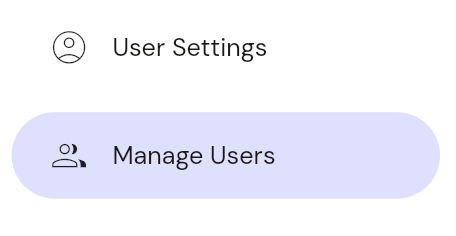
Navigate to the user page: Choose user management from the left hand nav.
-
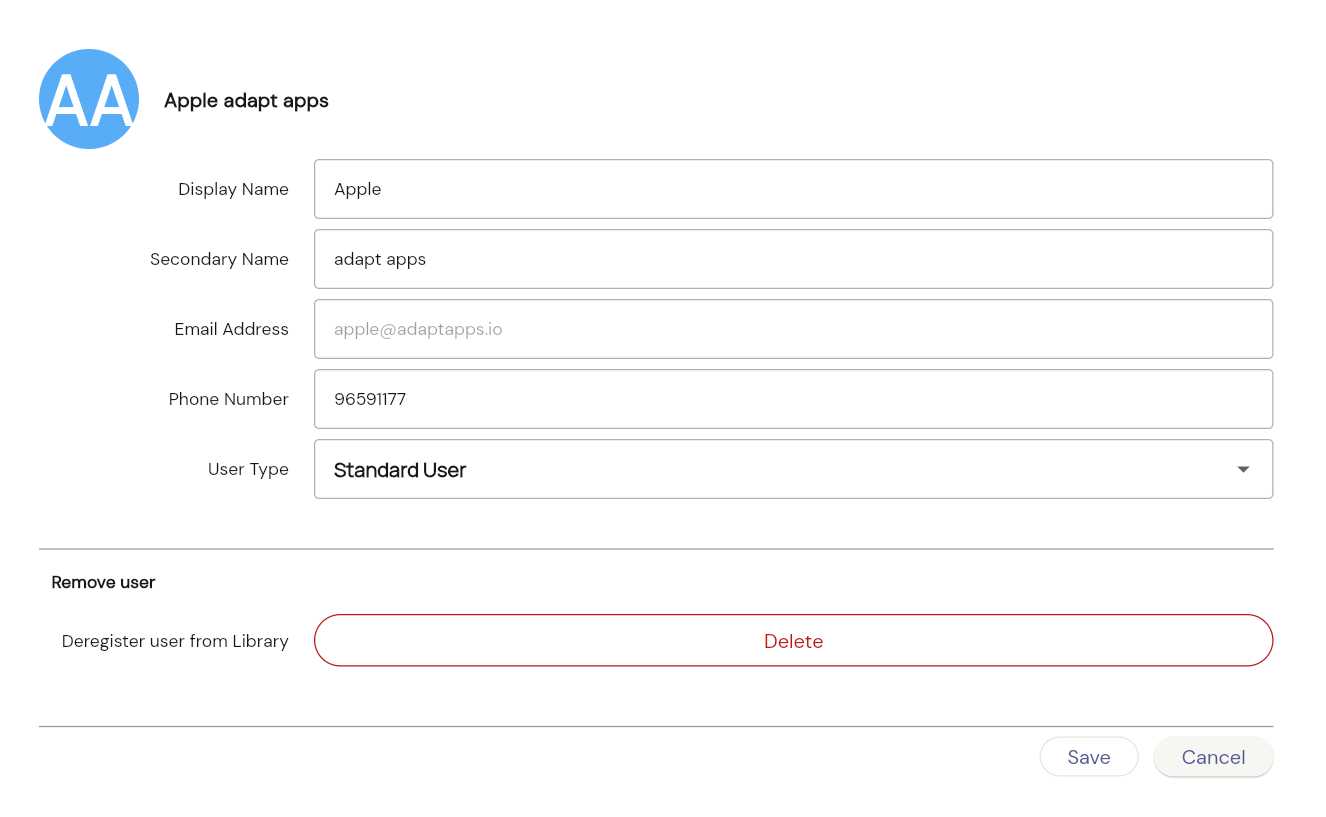
Tap on the delete user button: Find the user you want to delete and click the delete button next to their name.
-
Confirm Deletion: A confirmation pop-up will appear to prevent accidental deletions. Click “Delete” to permanently remove the user from the system.
Note: Deleting a user is a permanent action and cannot be undone.